Feature-Dive: An interactive search application for audio and symbol music features.
An interactive web application for exploring and searching songs using both audio features and symbolic (MIDI) features extracted from music. I applied manifold dimensionality reduction to compress high-dimensional feature spaces into 3D, and designed an interface where you can interactively experience the similarity between songs.
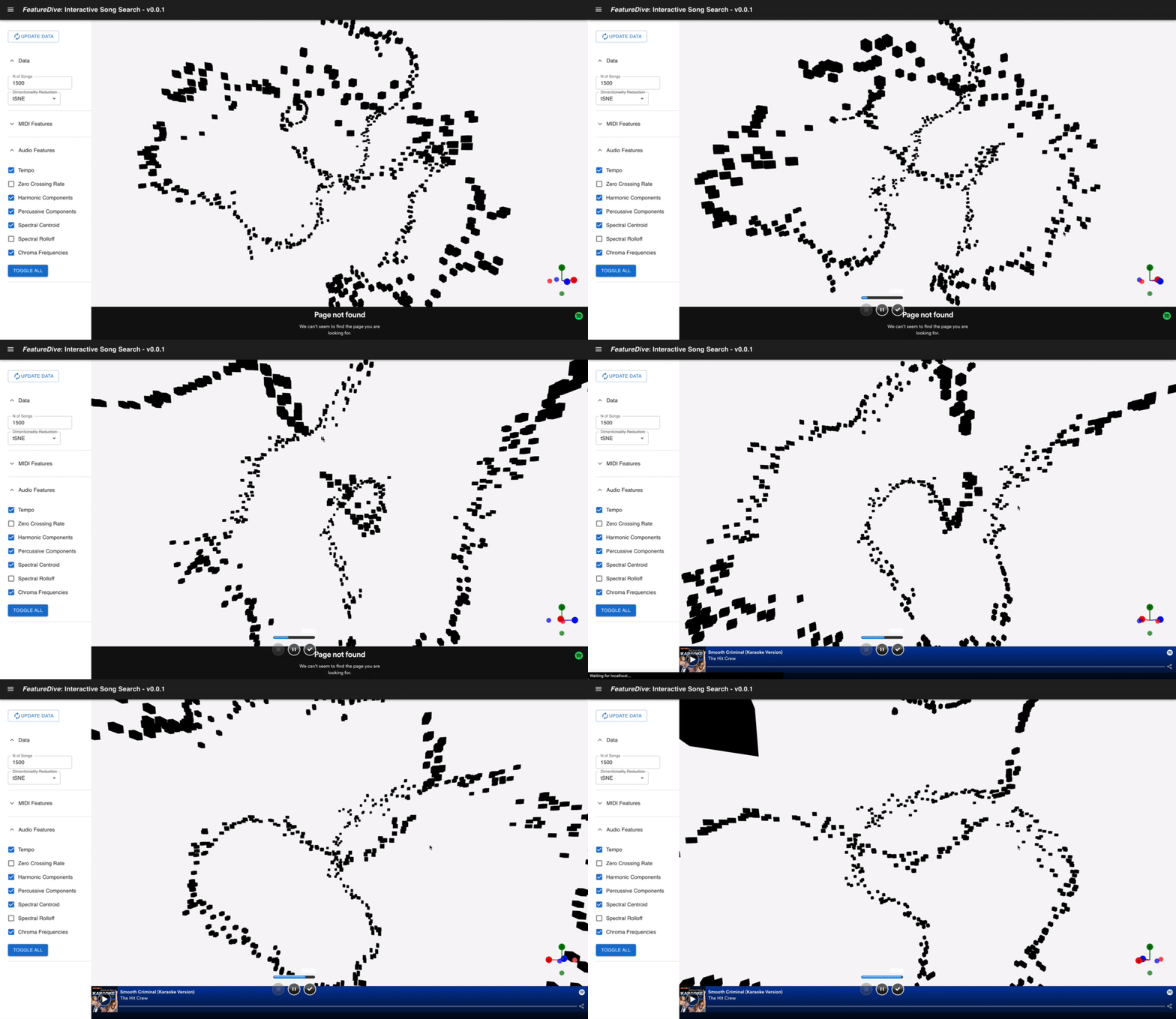
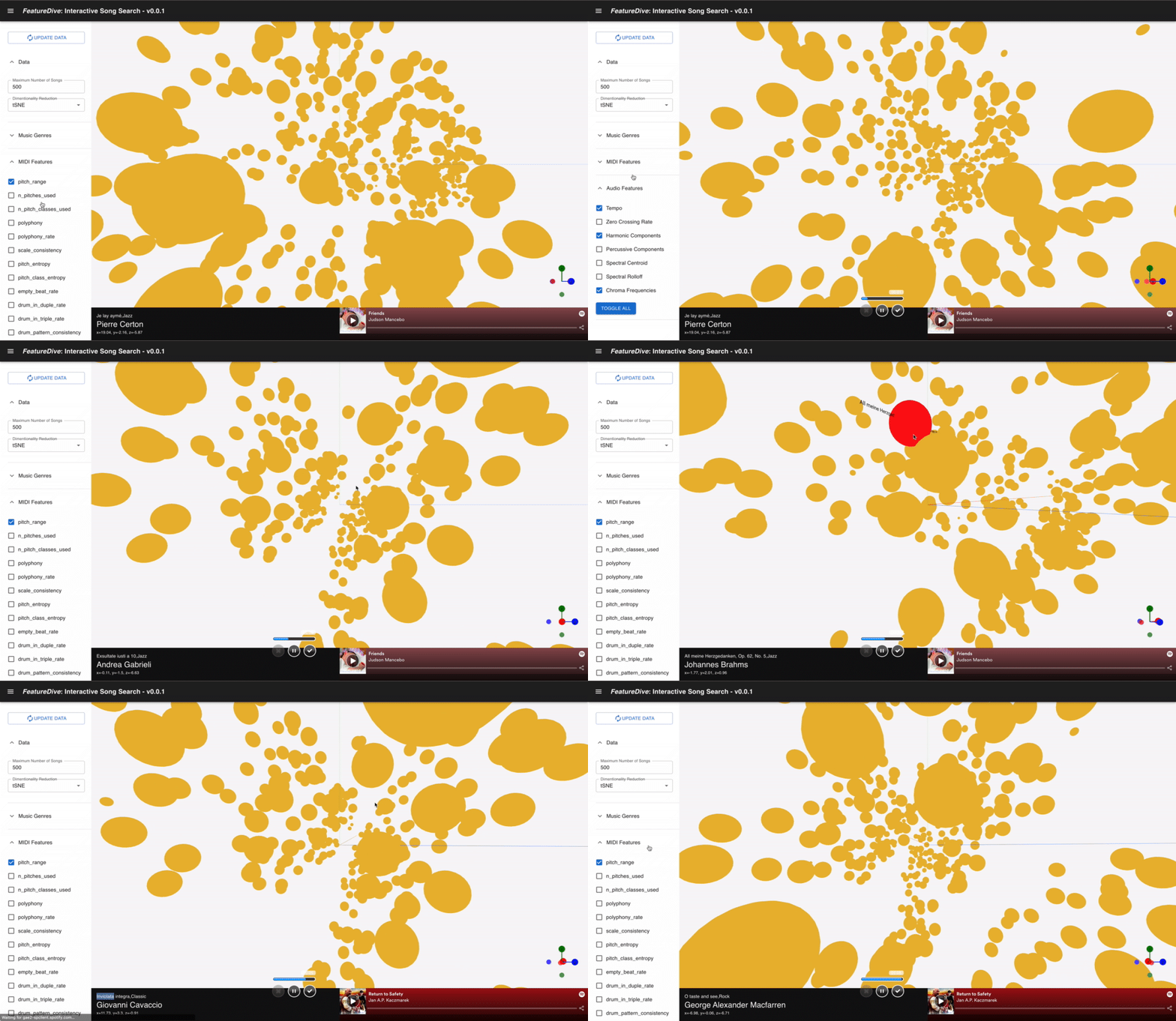
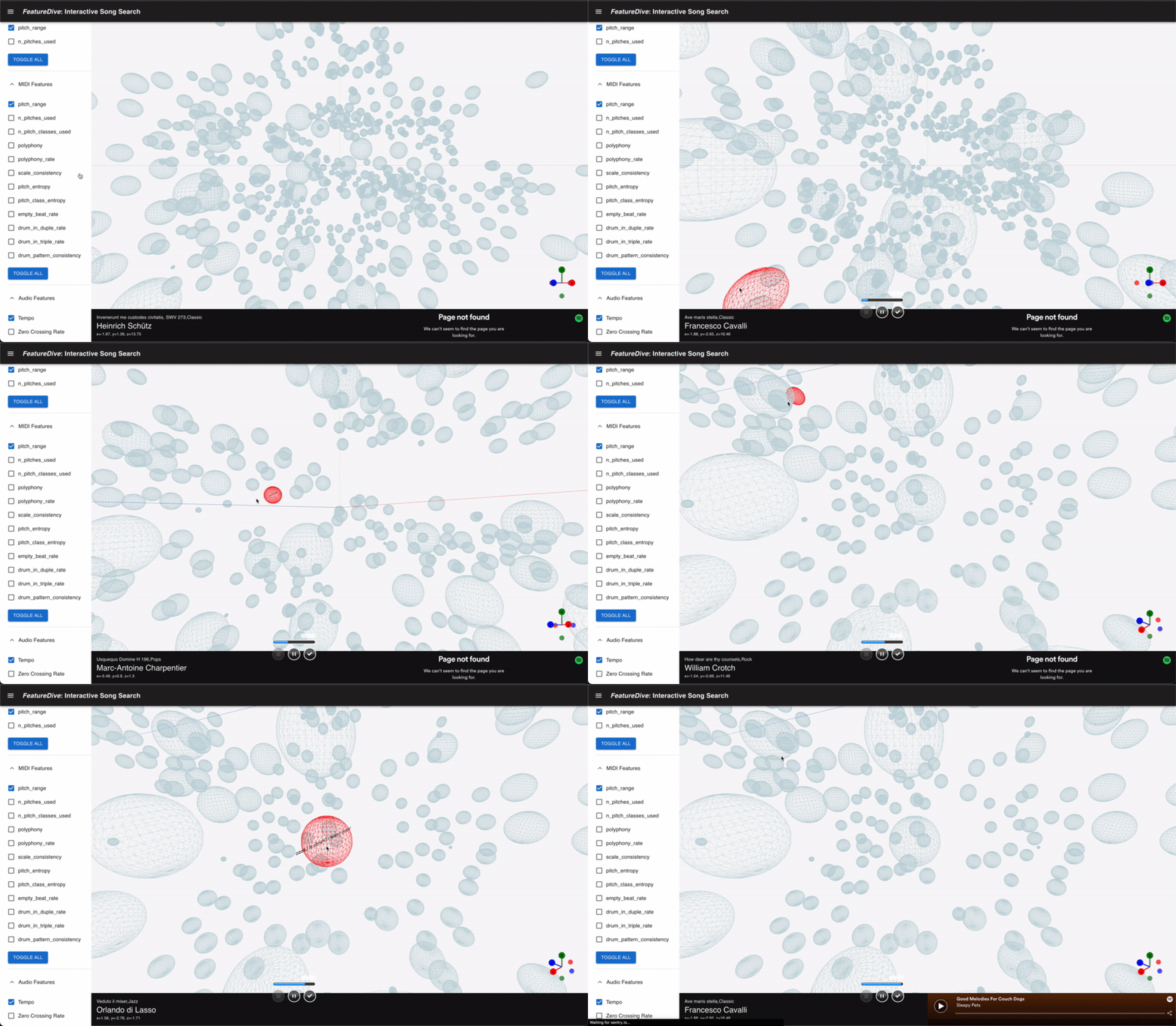
Overview
While keyword search, playlists, and recommendation engines are the norm for music discovery, this system was designed around a different motivation: experiencing musical similarity as a navigable space.
A feature vector representing a song is inherently tens of dimensions or more. By reducing it to 3D with PCA or t-SNE, you can freely fly through a Three.js-based 3D viewer. Users can also bring in their own music files (wav/MIDI) and place them in the space, visually exploring which existing songs are closest to their own.
Dataset
The Meta MIDI Dataset (MMD) was used as the source of song data. Published on Zenodo, this dataset contains tens of thousands of MIDI files, each accompanied by a mapping to Spotify Track IDs. Using this mapping, acoustic metadata was fetched from the Spotify Web API and integrated with symbolic features extracted from the MIDI files, then stored in PostgreSQL.
DATASET_PATH/
  meta_midi_dataset/
    *.mid                  # MIDI files
    MMD_audio_matches.json # MIDI <-> Spotify Track ID mapping
    MMD_spotify_all.csv    # Song metadata fetched from Spotify
    spotify_sample/        # Spotify preview audio (mp3)
Two primary tables were created in the database:
| Table | Contents |
|---|---|
song | Song metadata (artist, title, genre, release date, etc.) |
spotify_features | Spotify Audio Features (acousticness, danceability, energy, etc. + album artwork URL) |
Features extracted from MIDI and from audio files are stored in separate tables and joined at query time when the API is called.
FeatureExtraction
AudioFeatures(librosa)
Spotify preview clips (30-second mp3s) are analysed with librosa to extract the following features:
# from audio_feature.py
AUDIO_FEATURE_ORDER = [
    "spotify_track_id",
    "tempo",
    "zero_crossing_rate",
    "harmonic_components",
    "percussive_components",
    "spectral_centroid",
    "spectral_rolloff",
    "chroma_frequencies",  # 12-dimensional chromagram
]
The actual extraction looks like this:
y, sr = librosa.load(path)
tempo = float(librosa.beat.tempo(y=y, sr=sr)[0])
zcr = librosa.feature.zero_crossing_rate(y=y, pad=False)[0]
y_harm, y_perc = librosa.effects.hpss(y=y)          # harmonic/percussive separation
y_harm_rms = librosa.feature.rms(y=y_harm)[0]
y_perc_rms = librosa.feature.rms(y=y_perc)[0]
spectral_centroids = librosa.feature.spectral_centroid(y=y, sr=sr)[0]
spectral_rolloff   = librosa.feature.spectral_rolloff(y=y, sr=sr)[0]
chromagram = librosa.feature.chroma_stft(
    y=y, sr=sr, hop_length=512).mean(axis=1).astype(float)
The chromagram is aggregated into 12 dimensions (energy per pitch class, C through B) to capture the tonal character of the music.
SymbolicFeatures(muspy)
Symbolic features are extracted from MIDI files using muspy:
# from midi_feature.py
MIDI_FEATURE_ORDER = [
    "md5",
    "pitch_range",
    "n_pitches_used",
    "n_pitch_classes_used",
    "polyphony",
    "polyphony_rate",
    "scale_consistency",
    "pitch_entropy",
    "pitch_class_entropy",
    "empty_beat_rate",
    "drum_in_duple_rate",
    "drum_pattern_consistency",
]
mus: Music = muspy.read_midi(path)
pitch_range           = muspy.pitch_range(mus)
n_pitches_used        = muspy.n_pitches_used(mus)
n_pitch_classes_used  = muspy.n_pitch_classes_used(mus)
polyphony             = muspy.polyphony(mus)
polyphony_rate        = muspy.polyphony_rate(mus)
scale_consistency     = muspy.scale_consistency(mus)
pitch_entropy         = muspy.pitch_entropy(mus)
pitch_class_entropy   = muspy.pitch_class_entropy(mus)
empty_beat_rate       = muspy.empty_beat_rate(mus)
Metrics such as scale_consistency (how closely the notes adhere to a scale) and polyphony (harmonic complexity) were chosen for their correspondence to perceptible musical richness.
These symbolic features reflect score-level structure that audio features struggle to capture. The ability to switch between the two feature spaces while exploring is the core concept of this application.
DimensionalityReduction
To visualise high-dimensional feature vectors in 3D, several dimensionality reduction methods are implemented in dim_reduction.py:
from sklearn.decomposition import PCA
from sklearn.manifold import TSNE

def dim_reduction_pca(data: np.ndarray) -> np.ndarray:
    return PCA(n_components=3).fit_transform(data)

def dim_reduction_tsne(data: np.ndarray) -> np.ndarray:
    return TSNE(n_components=3, n_iter=1000).fit_transform(data)
Additionally, Hierarchical t-SNE (h-tSNE) is implemented to account for hierarchical dependencies between features. This approach builds a graph with NetworkX and incorporates path distances between features into the t-SNE distance matrix — attempting to preserve the "semantic groupings" of features that plain t-SNE tends to lose.
The dimensionality reduction method can be switched via the method parameter in API requests:
{
  "features_name": ["pitch_entropy", "polyphony", "scale_consistency", "tempo"],
  "method": "PCA",
  "n_songs": 500,
  "genres": ["rock", "pops"],
  "year_range": [1990, 2005],
  "user_songs": []
}
BackendAPI(Flask)
A Flask REST API handles the delivery of feature data. The main endpoints are:
| Endpoint | Method | Description |
|---|---|---|
/get_3d_features | POST | Returns 3D coordinates for specified features, reduction method, genre, and year range |
/user_data/audio | POST | Upload a user's audio file (wav, etc.) |
/user_data/midi | POST | Upload a user's MIDI file |
/get_features_sample | GET/POST | Fetch sample data |
When a user uploads a file, the server extracts features in real time, re-runs the dimensionality reduction including the new data, and returns the result. This lets users immediately see where their file lands in the space.
# from api.py (upload handler)
@app.route("/user_data/audio", methods=["POST"])
def user_data_audio():
    file = request.files.get('file')
    if file:
        file_name = datetime.now().strftime("%Y%m%d-%H%M%S") + "-" + \
            (file.filename or "user_audio.wav")
        with open(f"uploads/audio/{file_name}", 'wb') as f:
            file.save(f)
        return jsonify({"fileName": file_name})
Frontend(Next.js+react-three-fiber)
The frontend is built with Next.js + TypeScript, using @react-three/fiber (a React wrapper for Three.js) and @react-three/drei for 3D rendering.
3DSpaceViewer(PointsViewer)
Each point representing a song is rendered in bulk using Instances from @react-three/drei, keeping rendering cost low even with many points. Camera controls can be toggled between OrbitControls and ArcballControls, and a GizmoHelper always shows the current viewing direction.
import * as Drei from "@react-three/drei";
import { Canvas } from "@react-three/fiber";
import { ArcballControls, GizmoHelper, GizmoViewport,
         Instances, OrbitControls } from "@react-three/drei";

// Render point cloud with per-genre colour mapping
<Instances>
  {songs.map((song) => (
    <SongPoint key={song.md5} song={song} color={genreColor(song.genre)} />
  ))}
</Instances>
Clicking a point opens the song's details in a side panel and lets you preview it via the embedded Spotify player.
SpotifyPlayer(SpotifyPlayer)
// SpotifyPlayer.tsx
export default function SpotifyPlayer({ track_id }: { track_id: string }) {
  return (
    <iframe
      className="spotify-player"
      src={`https://open.spotify.com/embed/track/${track_id}`}
      width={"50%"}
      height={"80px"}
    />
  );
}
Preview playback is provided through Spotify's embed iframe. Because you can listen the moment you click a point in the space, the "explore while listening" experience flows without interruption.
UserFileUpload(AudioTrimmer)
The AudioTrimmer component supports trimming wav and mp3 files, allowing users to cut out any segment of an audio file before sending it to the server. This opens up use cases like bringing in field recording material and exploring how it relates to existing songs in the dataset.